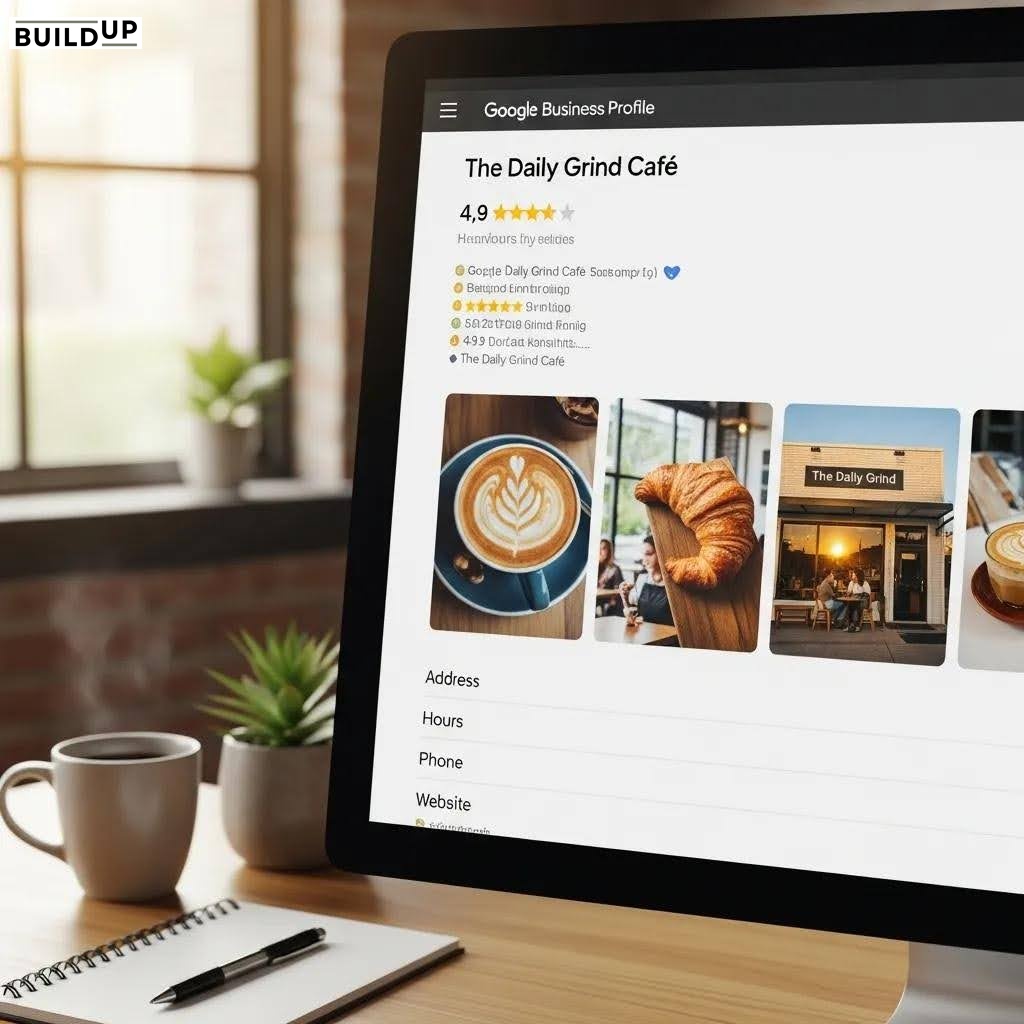
How to Verify Your Google Business Profile in Utah Without Issues
If you run a business in Utah, whether it's a law firm in Salt Lake City, a restaurant in Provo, or a landscaping company in St. George, your Google Business Profile (GBP) is one of the most powerful free tools at your disposal. But before your profile can appear in Google Search and Google Maps, you need to complete one critical step: verification.
Google Business Profile verification in Utah follows the same national process, but local business owners frequently run into snags, such as wrong address entries, mismatched business names, delayed postcards, and confusing eligibility requirements.
This guide walks you through every step of the google business profile verification process so you can get verified quickly, cleanly, and confidently. Whether you're setting up a brand-new listing or trying to verify an existing one that was previously unclaimed, this article covers everything you need to know.
Why Google Business Profile Verification Matters for Utah Businesses
Verification is Google's way of confirming that a business is legitimate and that the person managing the profile is actually associated with it. An unverified profile is essentially invisible; it won't rank in local search results, won't show up in the local 3-pack, and won't display your hours, photos, reviews, or contact information to potential customers.
For Utah business owners, this matters enormously. Searches like "plumber near me" or "dentist in Ogden" are dominated by verified Google Business Profiles. If you haven't completed your GBP verification in Utah, you're leaving serious local visibility and revenue on the table.
Beyond visibility, a verified profile builds trust. Customers see the "Google-confirmed" badge of credibility that signals your business is real, active, and worth contacting. It also gives you the ability to respond to reviews, update business information, post offers, and access Google's local analytics, none of which are available without verification.
Google Business Profile Verification Requirements You Need to Know First
Before you dive into the verification steps, make sure your business meets the basic google business profile verification requirements. Google has specific eligibility rules, and failing to meet them is one of the most common reasons Utah business owners get stuck.
Eligibility Basics
Your business must have a physical location or serve customers in a defined geographic area.
Online-only businesses without a physical presence or defined service area are not eligible.
Your business name must reflect your actual business name, not a keyword-stuffed variation.
You must use a real, deliverable business address (P.O. boxes are not accepted).
Each location must be verified separately if you operate multiple Utah locations.
Service-Area Businesses in Utah
If you're a service-area business (SAB) like a plumber, electrician, or mobile pet groomer, you can hide your physical address and instead define the areas you serve. You still need a valid address on file for verification purposes, but it won't be shown publicly. This is especially relevant for home-based businesses throughout Utah that serve local communities.
Step-by-Step: The Google Business Profile Verification Process in Utah
Here's how to verify your google business listing from start to finish. The process is the same regardless of your Utah city, Salt Lake City, Provo, Ogden, St. George, Logan, or anywhere in between.
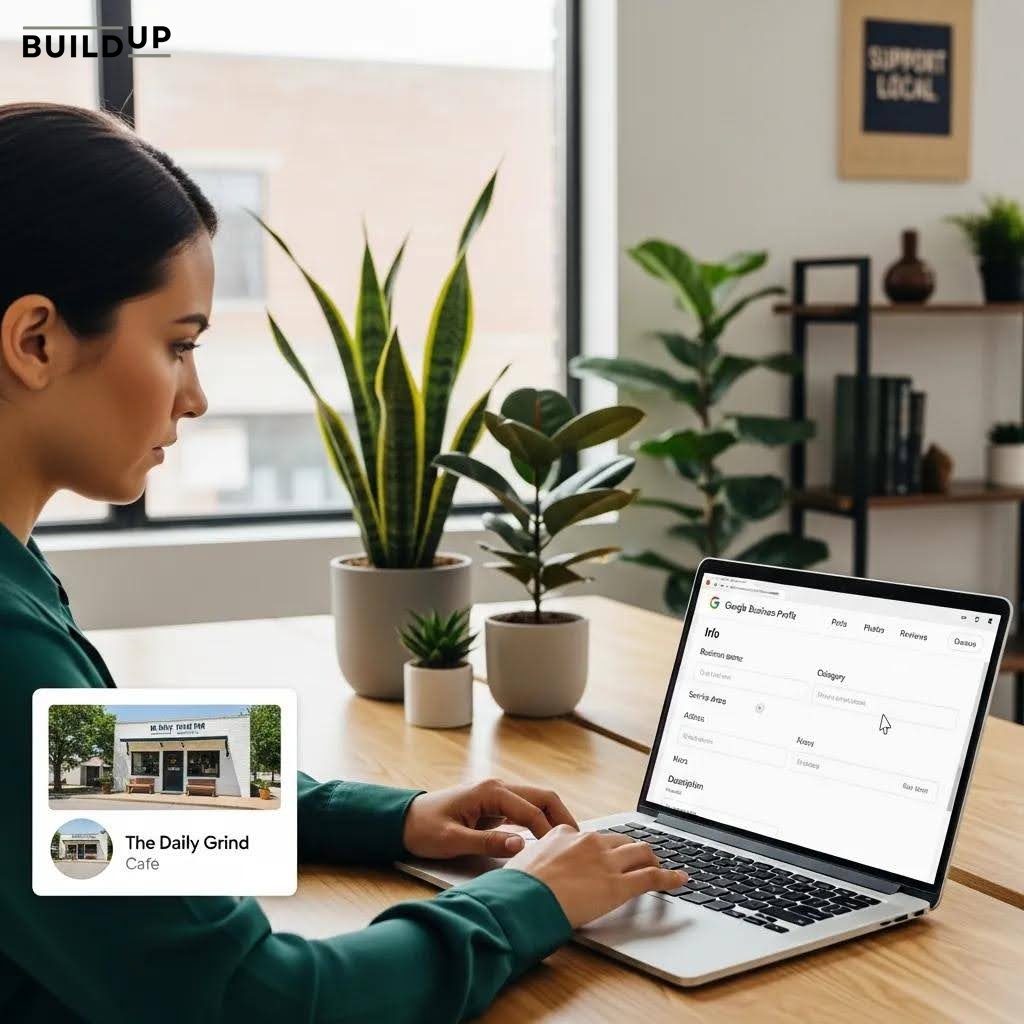
Step 1: Create or Claim Your Google Business Profile
Go to business.google.com and sign in with the Google account you want associated with your business. Search for your business name. If a listing already exists, you'll have the option to claim it. If not, click "Add your business to Google" to start a new profile.
Fill in your business name, category, and address carefully. Inaccuracies here are the leading cause of verification delays and profile suspensions. Double-check that your address matches exactly what's on your official business registration, website, and other directories.
Step 2: Select Your Verification Method
Once your profile is set up, Google will prompt you to verify. The available methods depend on your business type, location, and how long your business has been established. Here are the options you may see:
Video recording: Currently, the most common method. You record a short video showing your storefront, interior, equipment, or other proof of your business. This must be done in a single, unedited take.
Postcard by mail: Google mails a postcard with a google business profile verification code to your business address. This typically takes 5–14 days for Utah addresses.
Phone or text: Available for some businesses. Google calls or texts a code to the business phone number listed on the profile.
Email: Occasionally available. Google sends a code to your business email address.
Instant verification: If your website is already verified in Google Search Console using the same email address, you may qualify for instant verification.
Live video call: For some business types, Google may request a scheduled live video call with a Google representative to confirm your location.
Step 3: Complete the Verification
Follow the on-screen instructions for whichever method Google presents. For video verification, you'll record within the Google Business Profile app on your smartphone. Walk through your storefront, show branded signage, display business equipment, and demonstrate your location clearly. The video is reviewed by Google within a few days.
For postcard verification, do not edit your profile address while waiting for the card to arrive. Doing so restarts the process. Once the google business profile verification code arrives, log in to business.google.com, click "Verify," and enter the 5-digit code.
Step 4: Optimize Your Profile After Verification
Verification is just the beginning. Once your profile is live, take time to complete every section: add high-quality photos, list your hours, describe your services, add your website, enable messaging, and solicit reviews from happy customers. A fully optimized GBP drives significantly more traffic than a bare-bones listing.
Video Verification: What Utah Business Owners Need to Show
Video recording has become Google's preferred verification method for most new listings, and many Utah business owners find it confusing. Here's exactly what Google looks for in your verification video:
Your business address or storefront (exterior signage, building number, street view)
The interior of your business showing it is operational
Branded materials such as signs, uniforms, business cards, or product packaging
Proof of ownership or management (e.g., employee name tags, unlocking the door, operating equipment)
The video must be continuous and unedited. It should be recorded in one take using the Google Business Profile app. Utah businesses in home-based or rural settings, common in areas like Moab, Cedar City, or rural Cache County, can still complete this method by showing vehicle branding, service equipment, and business documentation if a storefront isn't available.
Common Google My Business Verification Problems in Utah (and How to Fix Them)
Even when you follow the steps correctly, things can go wrong. Here are the most frequent issues Utah business owners encounter during google my business verification, and how to resolve them.
Problem 1: Verification Postcard Never Arrived
Postcards can get lost or delivered to the wrong address, especially for rural Utah ZIP codes. If your card hasn't arrived within 14 days, log in to business.google.com and request a new one. Make sure your address in Google exactly matches what USPS recognizes. You can verify your address format at usps.com before entering it into Google.
Problem 2: Video Verification Keeps Getting Rejected
This happens when the video is edited, too short, doesn't clearly show the business address, or the business looks like a residential home without branding. Re-record, making sure you continuously pan from your street address or mailbox to your branded space. If you're a service-area business, include your vehicle wrap, uniform, or professional tools.
Problem 3: Profile Was Suspended After Verification
Google may suspend profiles that violate its guidelines, even after verification. Common triggers include keyword stuffing in the business name (e.g., "Smith Law Firm Personal Injury Attorney Utah"), PO Box addresses listed as street addresses, or duplicate listings. To reinstate a suspended profile, clean up the violations, and submit a reinstatement request through Google's Business Profile support.
Problem 4: "This listing has already been claimed"
This is common for businesses that have existed for years; a previous owner or employee may have claimed the profile. In this case, you can request ownership transfer through Google. You'll need to confirm your association with the business, and if the current owner doesn't respond within 7 days, Google may transfer the profile to you.
Problem 5: No Verification Option Appears
Some business categories or account ages don't immediately trigger verification prompts. Try completing all profile fields first, then returning to the dashboard. If the option still doesn't appear, Google Support can manually initiate the process.
Pro Tips for a Smooth GBP Verification in Utah
1. Use your exact legal business name. Match it exactly as it appears on your Utah business registration documents.
2. Verify your Search Console first. If your website is verified in Google Search Console under the same Google account, you may qualify for instant verification, skipping the wait entirely.
3. Don't change your address mid-verification. If you're waiting for a postcard or video review, editing your address resets the clock.
4. Choose the right primary category. Your business category affects which verification options Google offers. Be as specific as possible.
5. Complete your profile before verifying. A more complete profile can sometimes unlock additional verification methods and speed up the review process.
6. Maintain NAP consistency. Your Name, Address, and Phone number should be identical across your website, GBP, Yelp, Facebook, and all Utah business directory listings.
What to Do After Your GBP Verification in Utah Is Complete
Getting verified is a milestone, but it's the starting line, not the finish line. Here's how to maximize your newly verified Google Business Profile:
Add photos: Profiles with photos receive 42% more direction requests and 35% more website clicks, according to Google's own data.
Request reviews: Email or text your current customers with a direct link to leave a Google review. Utah consumers heavily rely on reviews when choosing local businesses.
Post regular updates: Use the Posts feature to share promotions, events, new products, or company news. Active profiles rank better.
Enable messaging: Turn on the chat feature so potential Utah customers can reach you directly from your GBP listing.
Monitor your insights: Google provides data on how many people viewed your profile, called your business, and asked for directions. Use this to refine your local SEO strategy.
When to Bring in a Local SEO Expert for Your Utah GBP Verification
Some verification situations are genuinely complicated, such as suspended profiles, transferred listings, multi-location businesses, or profiles with a long history of incorrect information. In these cases, working with a Utah-based local SEO agency can save you weeks of frustration.
A qualified local SEO professional understands the nuances of google my business verification utah guidelines, knows how to navigate Google Business Profile support, and can handle everything from initial verification to full profile optimization. If your business has been live for months without a verified listing, every day you're not verified is a day competitors are capturing customers you could have had.
Get Your Utah Business Verified and Ranking Today
Google Business Profile verification in Utah doesn't have to be a headache. With the right information, the right preparation, and a little patience, most Utah business owners can get verified and live within a week. The key is accuracy: accurate business name, accurate address, accurate category, and accurate supporting visuals.
If you've been struggling with your GBP verification process, or if your verified profile isn't generating the local visibility you expected, The BuildUp Agency is here to help. We specialize in local SEO for Utah businesses, from initial GBP setup and verification to full local search optimization strategies that drive real customers through your door.
Contact The BuildUp Agency today to get a free audit of your Google Business Profile and find out exactly what's standing between you and page-one local rankings.
Frequently Asked Questions
1. How long does Google Business Profile verification take in Utah?
The timeline depends on your verification method. Video verification typically takes 3–7 business days for Google to review. Postcard verification takes 5–14 days for delivery, plus 1–2 days to enter the code. Instant verification (via Search Console) is immediate. Phone and email verification codes arrive within minutes.
2. Can I verify my Google Business Profile in Utah if I work from home?
Yes. Home-based Utah businesses can verify using a residential address and then hide that address from the public listing by setting themselves as a service-area business. You still need a valid, deliverable physical address on file with Google for the verification process itself.
3. What do I do if my Google Business Profile verification code doesn't work?
Verification codes expire after 30 days. If your code has expired or doesn't work, request a new one from the Google Business Profile dashboard. Make sure you're entering the code exactly as it appears on the postcard and that you haven't edited your business address since requesting verification.
4. Why is my Google Business Profile showing as "pending verification" for weeks?
Extended pending status usually means Google is conducting a manual review, which is more common for certain business categories or new accounts. Make sure your profile is fully filled out and consistent with your website information. If it's been more than 2–3 weeks, contact Google Business Profile support to inquire about the status.
5. Do I need to re-verify my Google Business Profile if I move locations in Utah?
Yes. If you change your physical business address in Google Business Profile, you will typically be required to go through the verification process again for the new address. Plan ahead for this if your Utah business is relocating. Update your GBP well in advance and communicate the change to Google promptly.